
Microsoft's answer is a callable service, not a policy page. Azure AI Content Safety is an AI service with text and image APIs. It detects harmful user-generated and AI-generated content, and you can test it on your own sample text today. This guide explains what it checks and how the scores work. It also shows how to try it yourself, using the current documented path, which replaced an older shortcut that no longer exists. Checked against the official Microsoft Learn documentation on 8 September 2026.
What Azure AI Content Safety actually checks
Azure AI Content Safety scans text or images and returns a harm score for each category it supports. A developer then decides what to accept, flag or reject. It sits in front of user-generated content and generative AI output, and catches harm before another user sees it.
The service has one hard limit. Microsoft states plainly that Content Safety cannot detect illegal child exploitation images. That task needs a different, specialised system. Content Safety was never designed for it.
The four harm categories, and how severity is scored
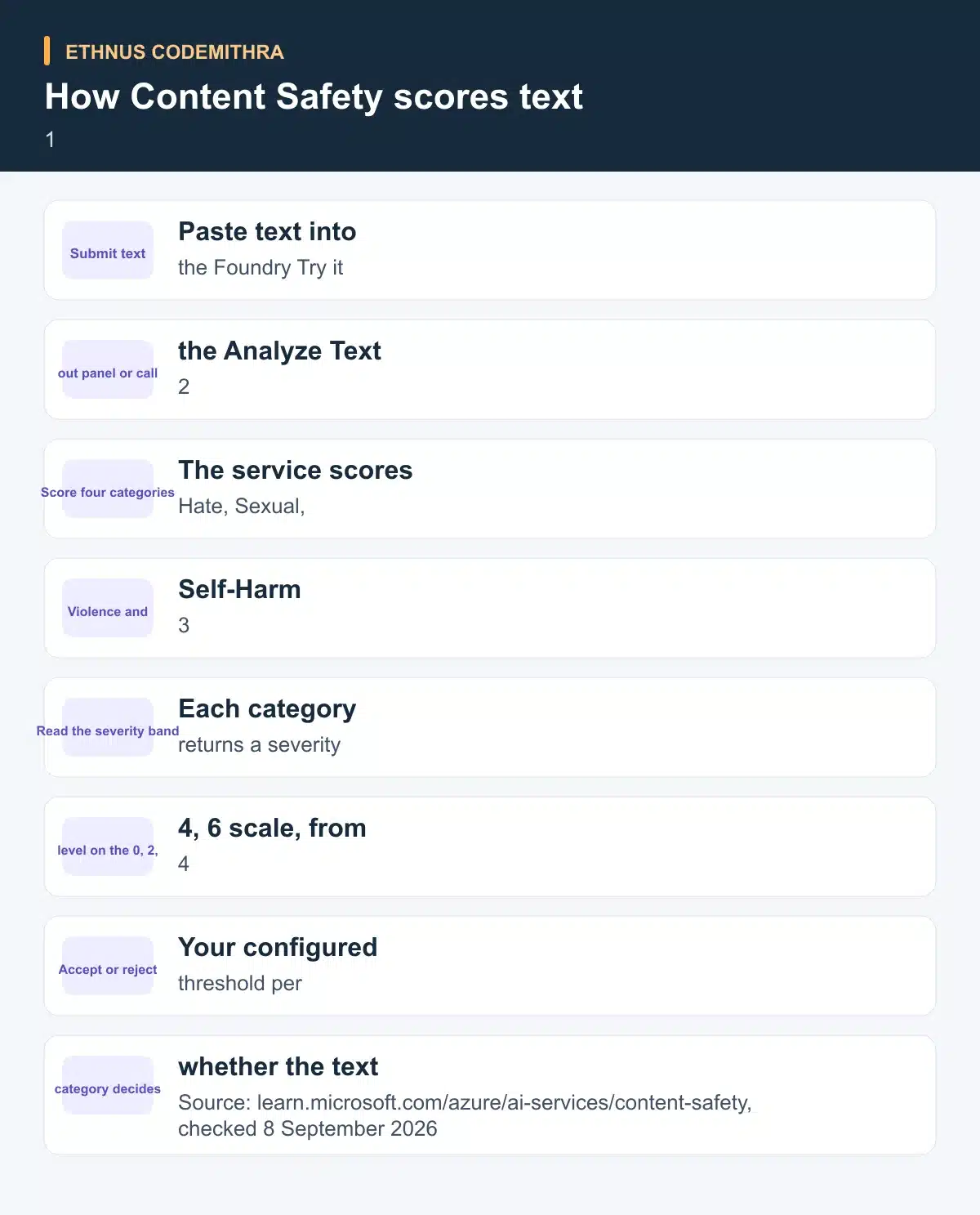
Content Safety recognises four distinct harm categories: Hate and Fairness, Sexual, Violence and Self-Harm. Each has a matching API term: Hate, Sexual, Violence and SelfHarm. Each category is scored independently. One piece of text can score high on one category and zero on the rest.
Text and multimodal content support a full severity scale from 0 to 7. Most applications ask for the trimmed version instead, where the API reports 0, 2, 4 or 6. Microsoft maps the full scale down as follows: 0 or 1 becomes 0, and 2 or 3 becomes 2. 4 or 5 becomes 4, and 6 or 7 becomes 6. Image analysis only ever returns the trimmed scale.
Two more checks worth knowing
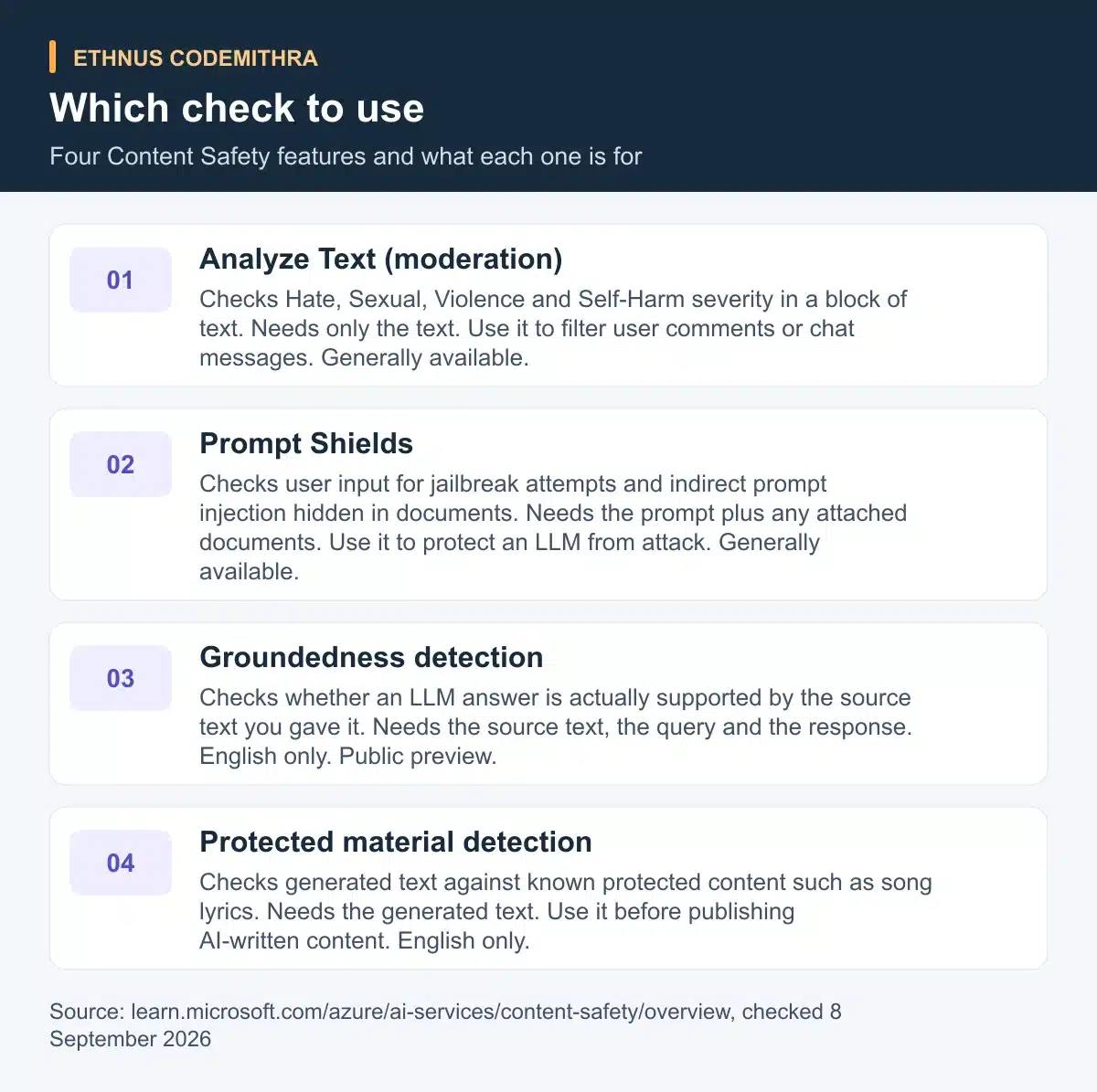
Content moderation is not the only tool in Content Safety. Prompt Shields scans text for the risk of a user-input attack on a large language model. It covers a direct jailbreak attempt and an indirect, cross-domain prompt injection hidden inside a document. This matters once your application lets a model read files a user has uploaded.
Groundedness detection is currently in public preview. It checks whether an LLM's text response is grounded in the source material the user supplied. It works in English only. Use it when a model must answer strictly from a given document. It helps you catch answers that drift from that source.
Try it yourself, with the real prerequisites
An older standalone Content Safety Studio quickstart used to promise a demo you could open with no sign-up. That page now redirects into Azure AI Foundry. The current documented path lists two prerequisites: an Azure account and an Azure AI resource. There is no free-floating demo view left. Set expectations correctly before you start.
The good part is the cost. Azure's pricing page confirms an F0 free tier. It includes 5,000 text records and 5,000 images per month, at no cost. A short exercise on a handful of sentences will not come close to that limit.
Follow these steps to run the exercise.
- Sign in to Azure AI Foundry.
- Create or select an Azure AI resource.
- Open Guardrails and controls, then choose Try it out.
- Select Moderate text content and paste in a sentence.
- Adjust the category severity settings to see the accept and reject boundary move.
- Run the test and read the four category scores it returns.
You can also make the same call directly through the REST API. This is useful once you want to check text from your own code instead of a browser panel.
POST {endpoint}/contentsafety/text:analyze?api-version=<current-version>
Content-Type: application/json
Ocp-Apim-Subscription-Key: <your-key>

{
  "text": "Sample text to analyze",
  "categories": ["Hate", "SelfHarm", "Sexual", "Violence"],
  "outputType": "FourSeverityLevels"
}
{
"categoriesAnalysis": [
{ "category": "Hate", "severity": 0 },
{ "category": "SelfHarm", "severity": 0 },
{ "category": "Sexual", "severity": 0 },
{ "category": "Violence", "severity": 2 }
]
}Each entry in categoriesAnalysis is one of the four harm categories with its own severity value. Your application then applies its own threshold per category to accept or reject the text, the same way the Try it out panel does. Do not hard-code the api-version shown above. Microsoft retires a public preview API 90 days after a newer preview ships. It also retires a general availability version 90 days after a newer compatible GA release. Check the current value in the quickstart before you build against it.
Reading your own results
Run this exercise with sentences you write yourself, ordered from mild to severe, and watch how each category behaves. Try a plain factual sentence first and expect all four categories to sit at 0. Add a mildly aggressive sentence next. Watch whether Violence or Hate moves to 2 while the others stay at 0.
Write a sentence describing a violent scene in more graphic detail. Check whether the Violence score climbs to 4 or 6, while Self-Harm and Sexual stay low. The exact score for any single sentence can vary as the underlying model changes. Treat this as a live exercise, not a fixed table of expected numbers. The pattern to notice is that categories move independently, not together.
Limits worth knowing before you rely on this
A few input limits shape what you can send to each feature. The Analyze Text API has a default maximum input length of 10,000 characters. Split longer text before you send it. Prompt Shields accepts a prompt of up to 10,000 characters. It also accepts up to five documents that together total 10,000 characters.
Groundedness detection allows up to 55,000 characters of grounding source per call. The text or query itself is capped at 7,500 characters, with a minimum length of three words. Protected material detection and groundedness detection work in English only. So does the standard custom-categories model. The other harm-category models are trained and tested on eight languages: Chinese, English, French, German, Spanish, Italian, Japanese and Portuguese. Other languages may still work, but at varying quality.
Where this fits in a learning path
Codemithra's course catalogue does not currently include a dedicated Azure or Microsoft AI course. This exercise is worth doing on your own, not through a batch lab. It teaches one habit that carries over to any cloud program. Test a safety layer yourself before you build on it, rather than trusting a product page alone.
That hands-on habit is exactly how Ethnus structures its AWS Solutions Architect Associate course. Students test each AWS service themselves in labs with unlimited attempts, the same habit this article recommends for Content Safety.
Try this Azure exercise first to get a feel for testing a cloud service directly. That AWS course is a structured next step from there. It is a separate, AWS-focused syllabus that does not include this Azure exercise as a lab.
Frequently asked questions
Do I need to write code to try Content Safety?
No. The Try it out panel inside Azure AI Foundry lets you paste text and read the category scores. You do not need to write a request yourself. Code is only needed once you want to call the API from your own application.
Is there a free way to test Content Safety?
Yes, in terms of cost. The F0 tier includes 5,000 text records and 5,000 images per month, at no charge. You still need an Azure account and an Azure AI resource to reach the Try it out panel.
What is the difference between Content Safety and Prompt Shields?
Content Safety's Analyze Text checks whether a piece of text itself contains harmful content across four categories. Prompt Shields instead checks whether a piece of text is trying to attack or manipulate the model reading it. This can happen through a jailbreak attempt or a hidden instruction in a document.
Can groundedness detection check a response in Hindi?
No. Groundedness detection currently works in English only. A response or source document in another language falls outside what it can check today.
Does Codemithra teach Azure AI Content Safety?
No. Codemithra's current course catalogue does not include a dedicated Azure or Microsoft AI course. This exercise is meant to be run independently on Microsoft's own documentation.